
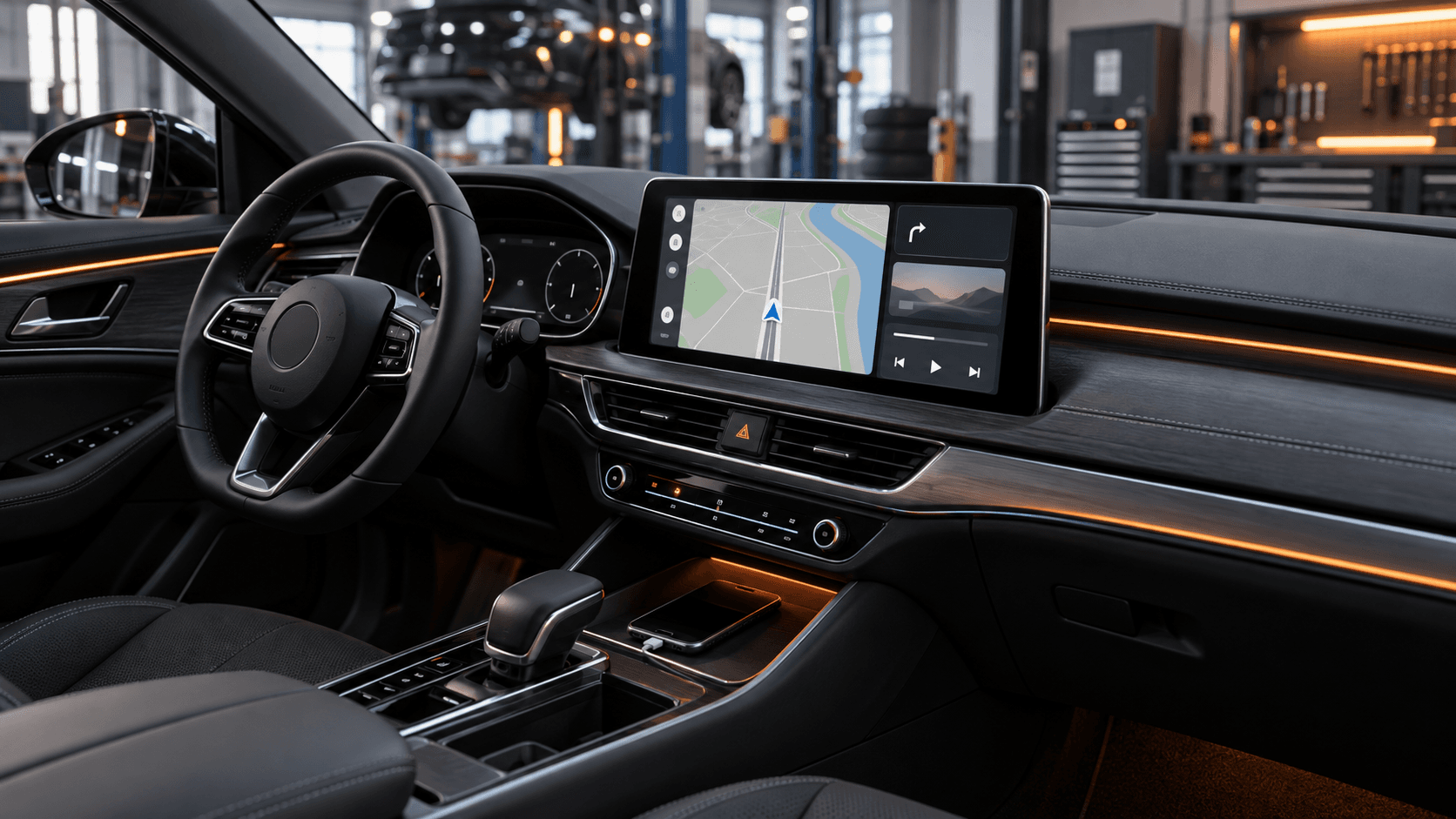
Before installation, provide the make, model, year, a photo of the current screen or menu, and details of the controls. Only then can a workshop assess whether integration with the factory screen is possible, whether a module is needed or whether another upgrade route is appropriate.
Compatibility is more than the model
The same vehicle can have several multimedia units, screens and control methods. A different model year or equipment version can change what can be integrated.
A startup-screen photo and settings view are often more useful than a model name. Say whether keeping factory functions and controls matters to you.
Keeping the factory screen
Many owners want a modern interface while retaining the original look of the cabin. The right approach depends on the vehicle’s exact system.
We do not assume a software activation or a module in advance. First we check the car, then explain the available route, limits and operation.
Wired or wireless use
The connection type is part of the decision, but it is not the only one. Stability, phone placement, existing ports and factory functions also matter.
Apple and Google both advise confirming vehicle compatibility and consulting the manufacturer’s guidance before setup. That is also a useful starting point before planning a retrofit.
What to send before speaking
Prepare the make, model and year, screen photos, current Bluetooth or navigation details and the phone you use. Explain whether navigation, music, calls or app access matters most.
That allows a workshop to distinguish a real installation route from guesswork based on a vehicle name alone.
Technical sources
Check CarPlay or Android Auto for your car
Send the model year and a photo of the current screen. We will ask for the details needed to assess compatibility.