
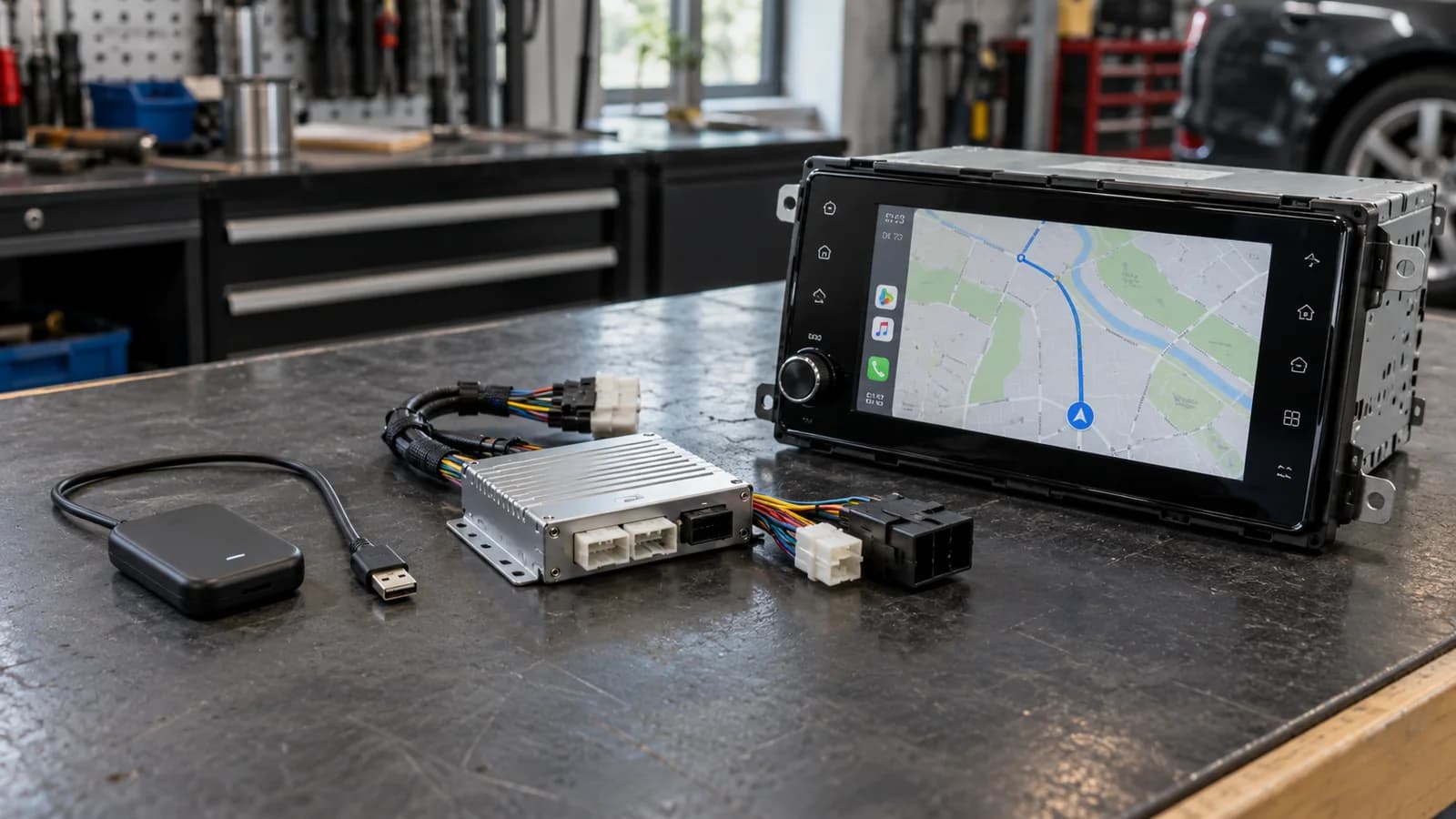
If CarPlay or Android Auto already works by cable, a compatible wireless adapter may be enough to remove that cable. If the function is missing, a conventional adapter of this kind will not add it: first check official activation for the specific car, then a compatible retrofit module or replacement head unit if activation is unavailable. A USB port, Bluetooth or a screen does not prove support. Start with the infotainment version and the functions you need to retain.
What does the car already support?
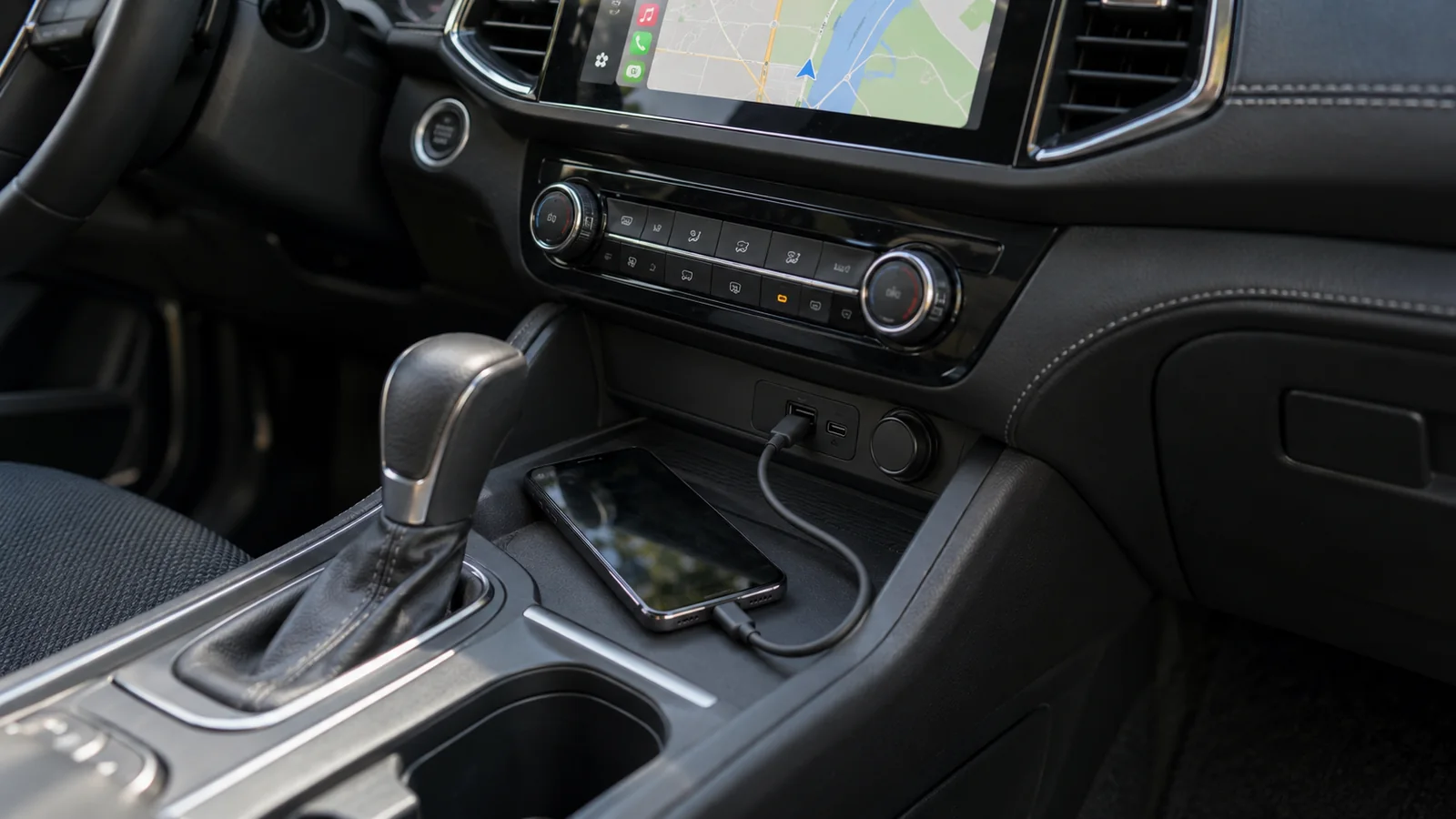
While parked, connect a compatible phone to the correct USB data port and check whether the CarPlay or Android Auto interface starts. Charging, USB file playback and Bluetooth calls are separate functions. Record the result separately for an iPhone and an Android phone: support for one platform does not prove support for the other.
If the connection fails, do not immediately buy a module. First establish whether the feature is absent or whether settings, a cable or a port are causing trouble. Find the infotainment name and software version in its information menu. The car model and year alone may not identify the system.
Before choosing hardware, ask the vehicle manufacturer whether official feature activation is available for the exact configuration. In some cars, this is a separate route without a replacement head unit or an extra module. It does not mean any system can be unlocked by a software update.
Three options: what actually changes?
This table separates device categories. It is not a compatibility list or an offer for a particular kit. Product names use “adapter”, “box” and “module” loosely, so read the requirements for the existing system.
| Solution | When to consider it | What to confirm |
|---|---|---|
| USB wireless adapter | The required protocol already works by cable | Required car-side protocol, phone and device version |
| Retrofit module for the factory system | The feature is absent; you want to keep the screen | Exact head unit, display, audio path and controls |
| New CarPlay / Android Auto head unit | Replacement is feasible and acceptable | Space, fascia, interfaces and retained vehicle functions |
When is a USB adapter enough?
This type changes the connection method in an already compatible system. For example, AAWireless TWO is for Android Auto, while TWO+ also supports CarPlay. Do not transfer features between similarly named versions. Check the protocol required on the car side and the phones supported by the exact device.
A USB-A to USB-C connector adapter changes the plug, not the head unit’s capabilities. An Android box connected by USB may also require existing wired CarPlay. The word “Android” alone does not establish Android Auto support. If removing the cable is the only goal, replacing the entire infotainment system usually means a broader change than you need.
When should you consider a retrofit module?
A retrofit adds phone integration to a specified factory system while using its existing display. It must match the head unit, video connection, audio path and controls. One module will not necessarily suit every infotainment variant within the same car model.
A useful example of compatibility limits: the Mr12Volt P2000-3GGMD / 3G7MD guide covers Audi MMI 3G but excludes RMC, and requires a separate microphone for the module’s voice functions. Those are requirements of that device, not every retrofit. Before buying, also establish how you return to the factory menu and whether AUX or another audio connection is required.
When does a replacement head unit make sense?
A new head unit is an option where it can be fitted and connected correctly. Screen size is only part of the decision: you may need a fascia, wiring harness, steering-wheel interface and connections for the factory amplifier and camera. If the original unit provides vehicle settings or climate information, confirm retention of those screens separately.
For example, the Alpine iLX-W690D supports CarPlay and Android Auto, but integration with the vehicle data bus requires an appropriate interface. A CarPlay logo on the box does not establish retention of every original feature. Compare the complete installed kit rather than the receiver’s price alone, and check the specification before assuming wireless support.
What should you check before choosing and at handover?
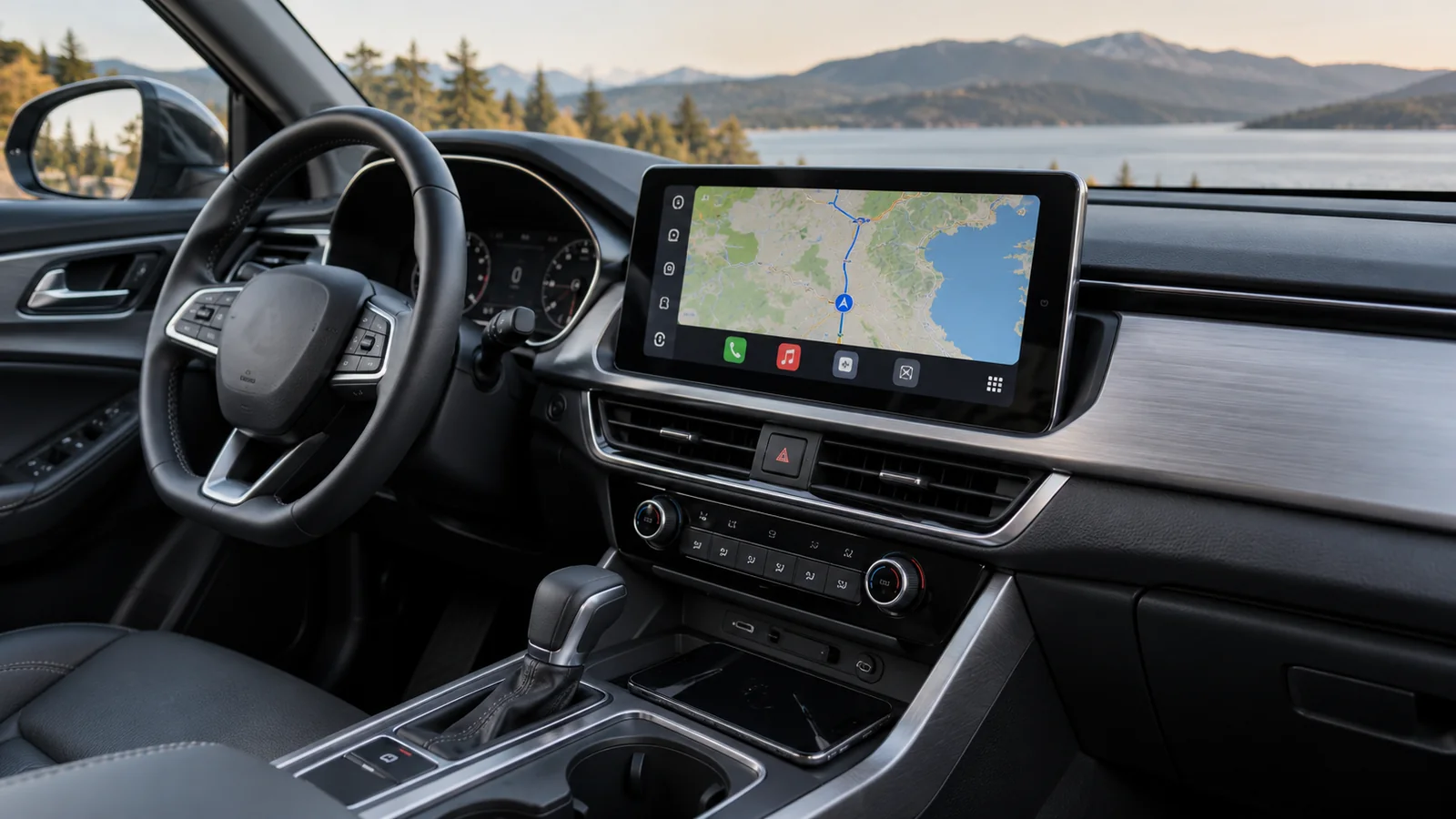
List the functions you currently use and ask for each one to be confirmed for the proposed solution. Keeping the screen does not necessarily retain touch operation; working volume buttons do not establish voice-assistant control.
While parked, check navigation with audio, a call in both directions, the microphone and voice commands, return to the vehicle menu, the camera and parking-sensor display. Repeat connection after switching the system off and on again. If two people use the car, check switching phones too. This is a list for agreement and handover, not a promise of identical behaviour in every configuration.
What should you prepare for a discussion in Warsaw?
You do not need to dismantle the radio yourself. Prepare the following details and distinguish essential functions from preferences.
- Make, model, year, factory infotainment name and software version.
- Photos of the screen, information menu and available ports, without personal data.
- Phone model, operating system and the result of a wired CarPlay / Android Auto check.
- Camera, parking sensors, amplifier, steering-wheel buttons and vehicle settings to retain.
- Whether retaining the factory screen is essential and whether you need wireless connection.
- The complete kit, installation, configuration and functions to check at handover.
Do you need a module if CarPlay already works by cable?
For a change to wireless connection alone, a suitable adapter is usually enough if the vehicle and phone meet its requirements. If factory wireless connection already works, first identify the specific problem that an extra device would solve.
Can you always keep the factory screen?
No. This depends on the available interface and system version. Without a compatible module, consider another approach or keep the current system. Choosing cable or Wi-Fi comes after establishing how to add the required function.
How do phone protocols differ from the device operating system?
CarPlay, Android Auto and a head unit running Android are different things. Android can be the device operating system; Android Auto is phone projection. Likewise, the word “box” does not explain which car connection a product requires.
Ask the supplier for these answers for the exact hardware model and version. “2 in 1” alone does not replace requirements.
| Description item | What needs to be stated |
|---|---|
| Car-side input | Required protocol, unit and connection version |
| Phone | iPhone/Android support and actual model and software |
| Installed result | CarPlay/Android Auto, USB/wireless and retained functions |
Questions and answers
Does an Android head unit always support Android Auto?
No. The radio operating system and phone projection are separate functions. Check device specifications and connection mode rather than the word Android alone.
Does USB-A or USB-C establish compatibility?
No. Connector shape does not establish data support or the required protocol. An adapter changes the connector; it cannot add missing CarPlay or Android Auto.
Will a retrofit module always use the factory microphone?
No. Calls and voice commands depend on the unit and car. Confirm the microphone and make a call in both directions; working music is not a microphone test.
Choosing how to add CarPlay?
Note your infotainment version and the functions you want to keep. Read about the CarPlay / Android Auto service and prepare these details for a discussion about a suitable solution.