
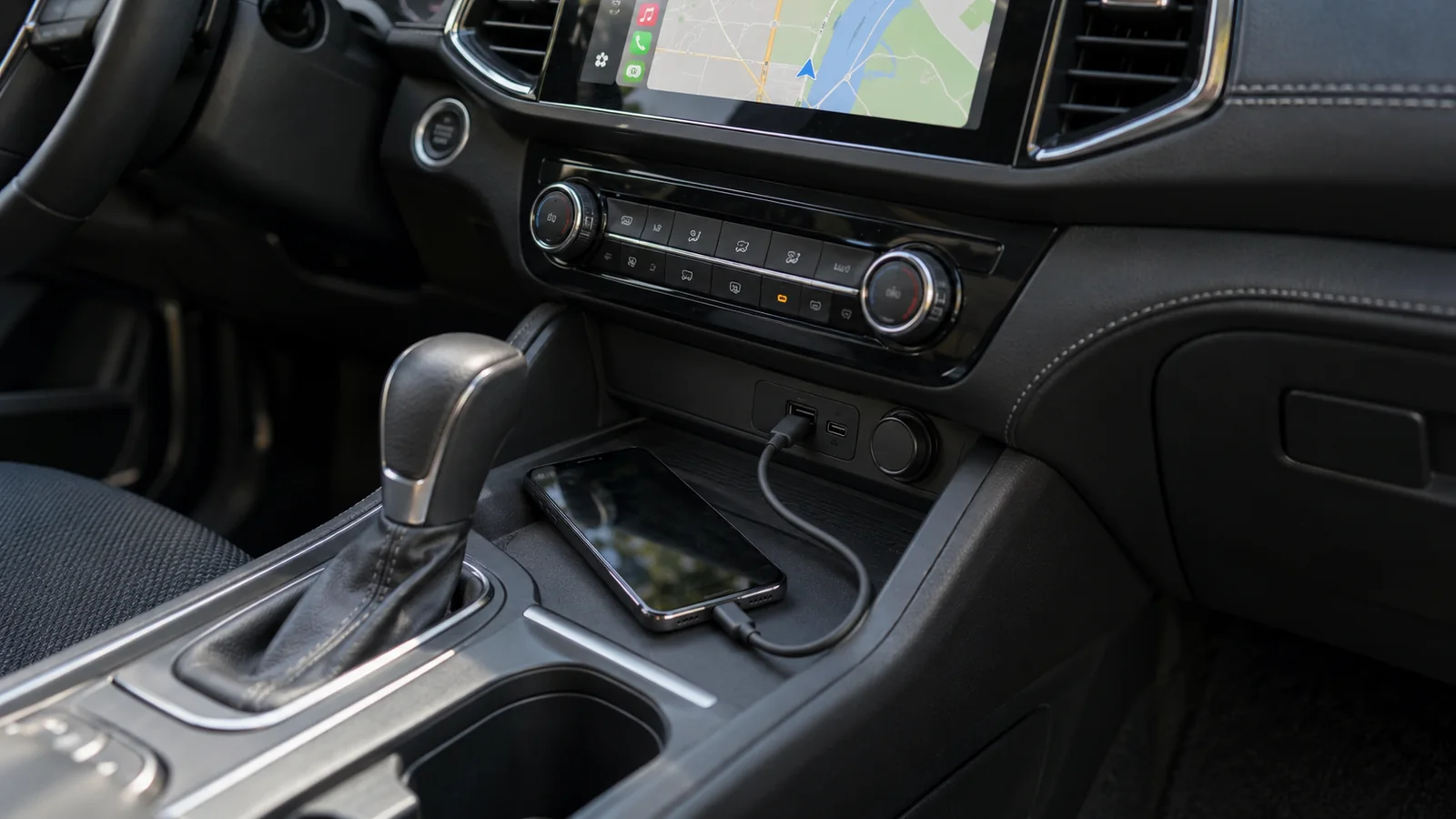
Consider wireless if you want maps and music without plugging in your phone for every short trip. USB makes sense if you prefer connecting the phone to power at the same time. Check that both the car and phone support your chosen mode first: a USB port or Bluetooth alone does not establish compatibility.
Start with the capabilities of your specific setup
CarPlay works with an iPhone; Android Auto works with a compatible Android phone. Wired and wireless support are separate infotainment capabilities. Check the manual for your system version, rather than relying on the car’s model and year alone.
Wireless Android Auto needs a compatible phone with 5 GHz Wi-Fi and a compatible car system; check the current phone requirements before you buy. Ordinary Bluetooth calls do not establish that maps will also appear on the car’s screen without a cable.
Compare the modes by how you use your car
Use this table to choose a configuration to check. These are decision criteria, not device test results or a promise of identical behaviour in every car.
| Your situation | USB | Wireless | What to check |
|---|---|---|---|
| Frequent short trips | Plug in before the trip | No cable needed for projection | Reconnection after parking |
| A long journey with navigation | One cable can carry data and power | Plan charging separately | Battery balance on your own route |
| Two drivers | Choose the phone plugged into the port | Selection of the paired phone matters | Priority and user switching |
| You want a backup connection | Requires a USB data port | Wireless support does not guarantee USB | Both modes in the manual and car |
Wireless connection does not mean wireless charging
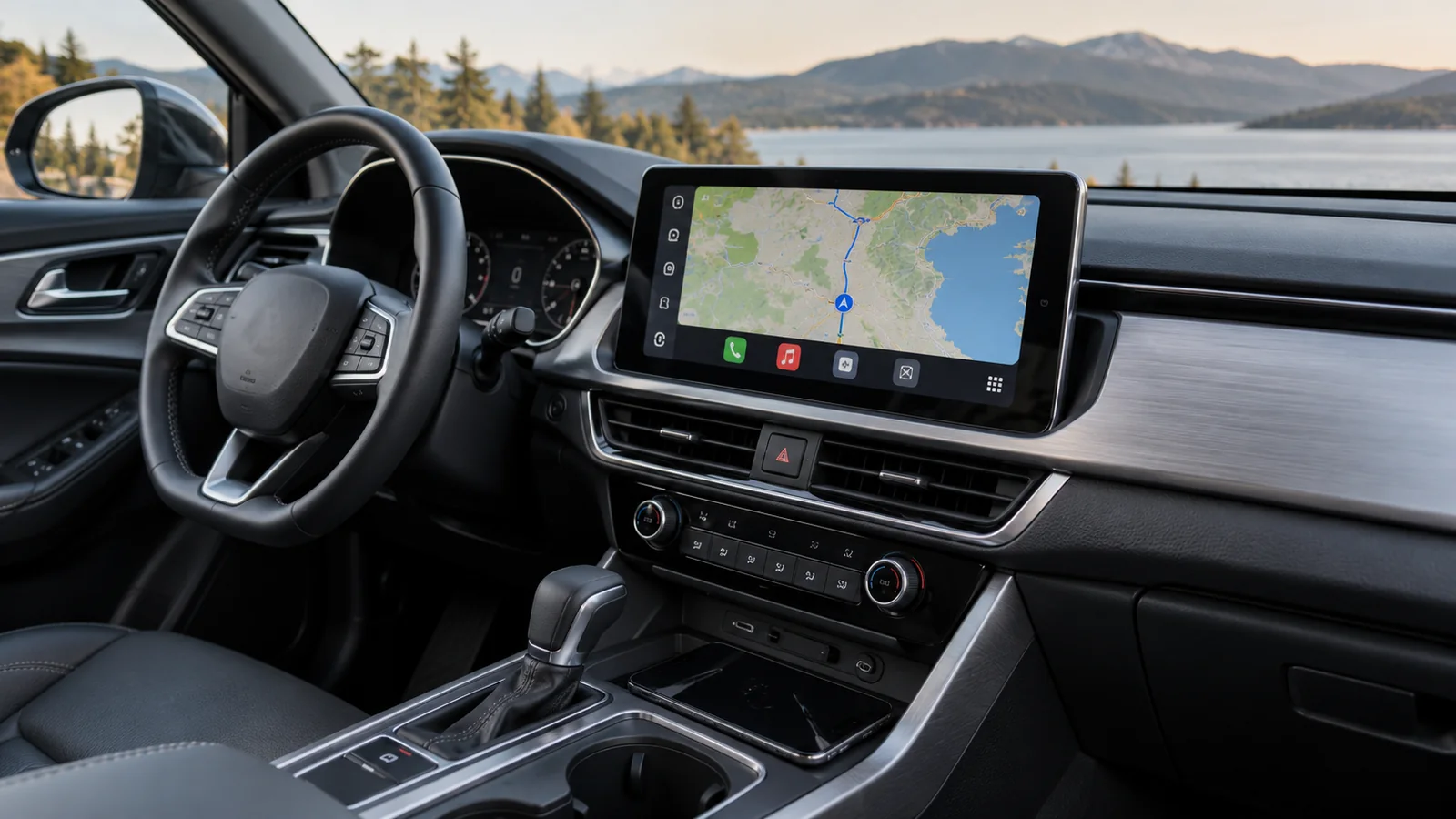
Treat displaying apps and powering the phone as two decisions. Wireless CarPlay or Android Auto does not mean your car has a wireless charger. You may still need a separate charging cable.
For USB, check the correct port and a cable that carries data. Do not assume that every port charges equally effectively or that the battery will gain charge while navigation is running. A journey with your usual apps will show whether the chosen power supply is sufficient.
Initial pairing and sharing the car
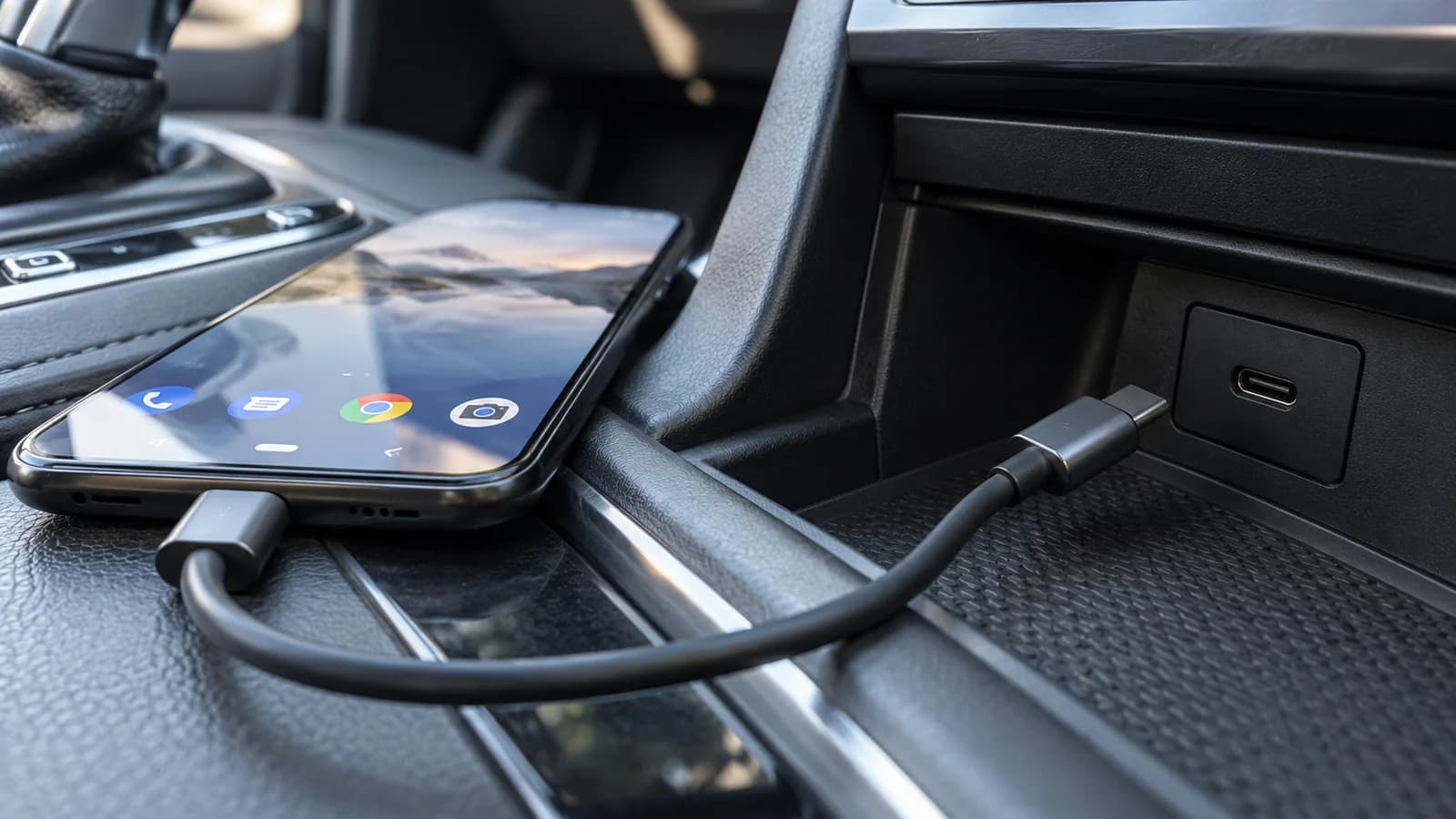
CarPlay and Android Auto start a wireless connection differently; follow the appropriate phone and vehicle instructions. Android Auto’s initial pairing uses Bluetooth, with Wi-Fi enabled during setup.
For two drivers, define the behaviour you want: the last phone used, manual selection or a set priority. Check it with both phones in the cabin. Saving two devices does not establish convenient switching; that depends on the head unit or adapter’s features.
Before choosing: a checklist to take to the car
Configure the system while parked. Leave screen interactions during a journey to a passenger so the driver can concentrate on the road. This is a proposed checklist, not a report of a studio test.
- Record the phone model, OS version, infotainment version and connection mode. Check the phone you will actually use.
- Start maps and music, then check a call and the microphone. Check steering-wheel controls and returning to factory functions.
- Turn the infotainment off and back on as instructed by the vehicle manual. Check reconnection and any on-screen confirmations.
- Check phone selection with two saved devices, including when both are in the car.
- Check charging on a representative journey. Record battery level before and after, and any connection interruptions.
- If USB must be available as a backup, confirm that it works after removing the adapter or disabling wireless mode as instructed.
Can you keep a cable as a backup?
Yes, if your specific infotainment system supports both modes. This is not universal: some cars offer wireless-only CarPlay. Check the data port and USB operation in your car. A charging-only port does not establish wired CarPlay or Android Auto support.
Will one adapter work with two phones?
That depends on the device’s supported protocols, compatibility list and rules for changing users. Check its manual and both phones before buying. Do not confuse an adapter that converts an existing wired connection to wireless with a retrofit module that adds a missing infotainment function.
When keeping your current setup makes sense
If USB is convenient, works properly and suits your charging needs, the availability of an adapter is not itself a reason to change. For disconnections, first check the connection using the phone and infotainment instructions. Without testing the same configuration, there is no fair basis for declaring one mode universally faster, more stable or better sounding.
If neither CarPlay nor Android Auto works in the car, first establish how to add that function. Choosing USB or wireless comes next and does not replace checking compatibility.
What to prepare for an installation discussion in Warsaw
Provide the car’s model and year, a photo of the infotainment menu, your phone model and whether the system currently works over USB. Add whether short trips, long journeys or changing drivers matter most. This gives the discussion a clear focus: connection, charging and the functions you need to retain.
We confirm the details of the particular kit before installation.
How can you compare modes without confusing causes?
Keep the same phone, track, app and radio settings. Record initial connection, reconnection after a short stop, a call and battery behaviour separately. Compare only modes supported by the actual unit.
If wireless uses an adapter and wired operation bypasses it, you change the device path as well as transmission mode. The result applies to that complete configuration, not every wireless system.
Questions and answers
Does wireless operation improve sound?
The absence of a cable is not proof of improvement. The full signal path, app, settings and radio matter. Without comparing the same configuration, do not assign an inherent quality advantage to either mode.
Can the phone charge during wireless projection?
Yes, power is a separate matter where the devices support it. Check actual charging and temperature with your apps; wireless projection does not mean wireless charging.
Does every brief interruption require pairing again?
No. First note whether the whole projection, one app or internet access stops. Re-pair according to the manual after simpler checks; it removes a saved connection and requires setup again.
Choose a connection for your journeys
Prepare details of your car, infotainment and phone. On the service page, you can describe your configuration and use the contact form.